 Brian Bride
How Auto Repair Shops Can Use AI to Boost Profits and Efficiency
AI in the shop can sound like a robot running the front counter. But that’s not where the value is right now, and it probably isn’t where it should...
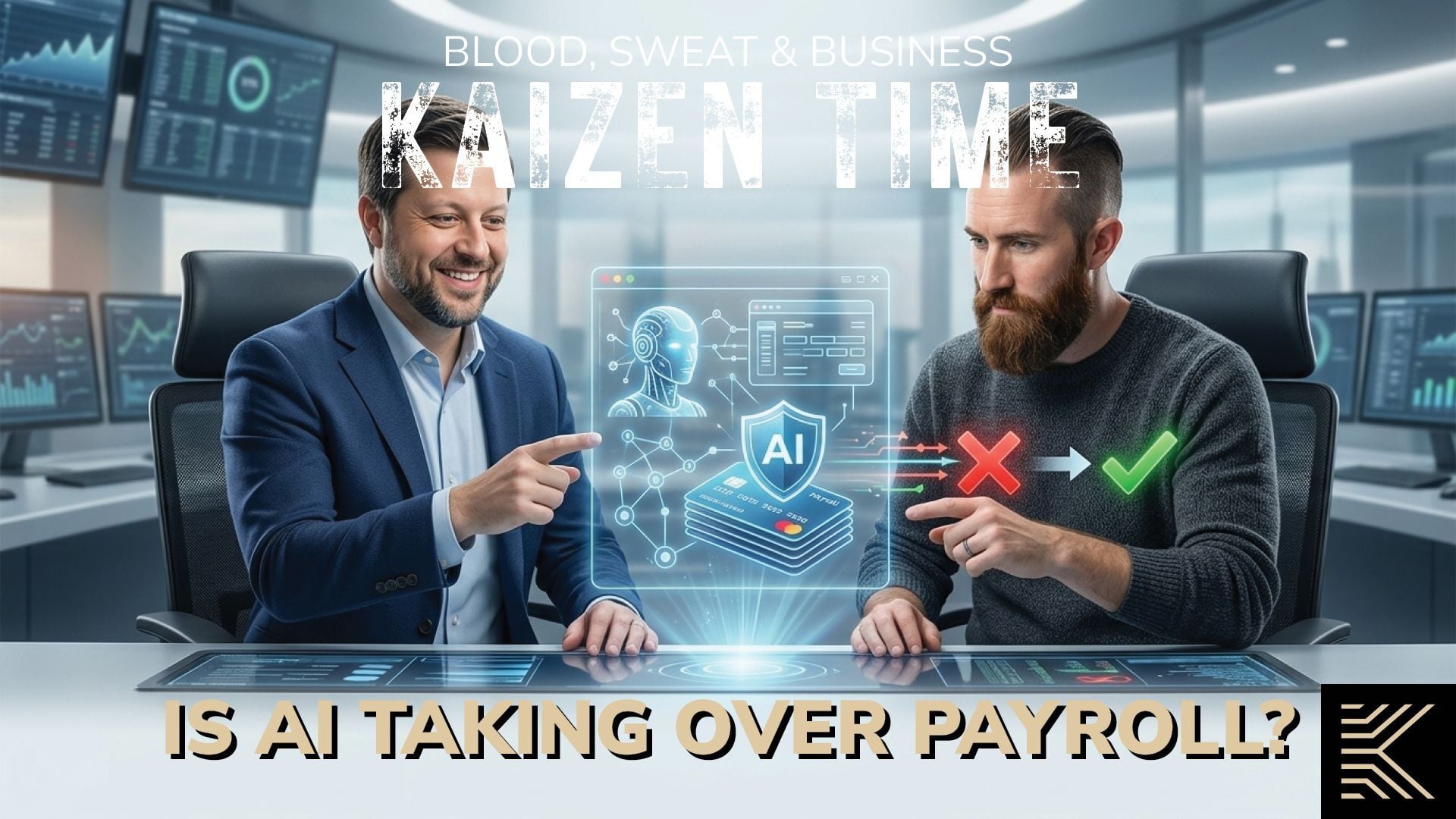
A lot of people hear "AI" and picture something that runs on its own. In payroll, that's not what's happening, and it's not what should be happening.
I run payroll operations here at Kaizen and YPD HCM, so I get asked about this a lot lately. Is AI actually useful for payroll, or is it just another buzzword getting slapped on old software? The honest answer is somewhere in the middle, and once you understand what an AI agent actually is, it's a lot less mysterious.
Most people's experience with AI is something like ChatGPT. You open it up, ask it something, and it gives you an answer pulled from a huge, general pool of information.
An AI agent is different. It's built to do a specific task, or a small set of tasks, inside a specific piece of software. It follows narrow rules, it's connected directly to the system you're using, and it only works with the data inside that system. It's not searching the internet. It's not guessing. It's looking at your data and doing one job well. We've written about this same shift on the accounting side of the business, and the pattern holds true in payroll too.
Think of it like the old Microsoft Clippy, if you're old enough to remember him. Clippy popped up when it noticed you were doing something specific, like writing a letter. An AI agent works the same way, just faster, and with a lot more context about what's actually going on. It's not trying to run your whole system. It's watching for a specific situation and stepping in only when it's relevant.
In our world, that's YPD HCM, running on isolved software, the platform we run payroll through. Right now there are two things live.
The first is a PTO assistant built on Claude. An employee can ask how much PTO they have left, run a quick calculation like "if I take tomorrow off, what will I have after that," and submit a time-off request right from the conversation. That request goes straight into the system and over to their manager. It works alongside the employee self-serve tools we already use for things like pay stubs and direct deposit, just applied to time off specifically. It's a narrow job done well, and that's the point. You don't start an AI rollout by handing it your whole payroll. You start with one small, useful task and build from there.
The second tool is called Perfect Payroll, and it's the one people usually want to talk about.
Here's what it does. Before a payroll runs, it compares the current numbers to your last ten payrolls. If something looks off, it flags it. Maybe an hourly employee who usually gets paid around $800 every two weeks suddenly shows $1,600. Maybe a payroll came in 20% higher than normal. The tool surfaces that and says, essentially, "this is different than usual, take a look."
You've probably seen the social media posts about someone who worked one week and walked away with an $18,000 paycheck because of a payroll glitch. That's not really what Perfect Payroll is watching for. It's not trying to catch a wild, headline-worthy mistake. It's helping the CSR handling your payroll catch the smaller, easy-to-miss errors before they ever go out the door.
That's it. It doesn't approve the payroll. It doesn't fix the number. It doesn't decide anything. It's doing the comparison work a CSR would otherwise do by hand, pulling up last week's numbers and this week's numbers and checking them against each other. That kind of manual cross-checking is exactly the sort of task that eats up time and is easy to miss when you're juggling multiple clients.
This is the part I think matters most, because it's where expectations tend to get out ahead of reality.
Perfect Payroll can't tell you whether a flagged number is right or wrong. It doesn't know that your commissioned salesperson had a great week, or that someone accidentally entered 400 hours instead of 40. It just knows the number is different, and a person has to figure out why.
It also doesn't touch compliance. If you run biweekly payroll and someone worked 45 hours in one of those weeks, the tool doesn't automatically know that should trigger overtime, because it hasn't been fed the information it needs to make that call. It can't tell you if someone should be classified as a 1099 contractor instead of a W-2 employee. And if a labor law changes, it has no idea, because it's not pulling from outside sources. It only knows what's inside your payroll history.
None of that is a flaw. It's the design. An AI agent that tries to do everything ends up doing everything poorly. The ones worth using are the ones that stay in their lane.
I get asked about this one a lot too, and it's a fair question. These tools run in a closed, secured environment. Your payroll data isn't being used to train a public model, and it isn't visible to anyone outside your account. A competitor can't see what you're paying your technicians. The AI running inside our platform is only looking at your payroll data, for the purpose of your payroll, and nothing outside of that. It's the same reasoning behind why we push clients toward secure self-serve portals instead of email for anything payroll-related; keeping data inside a closed system cuts down on both AI risk and old-fashioned scams.
That's also why we don't use free consumer AI tools for anything involving client data. The paid, connected tools we use require credentials to access anything, and the information stays inside that secured system.
Here's the part I want to be clear about. If an AI tool makes a mistake, you can't hold it accountable. There's no one to call. That's why there's always a person reviewing what these tools flag before anything moves forward. If Perfect Payroll surfaces an unusual number, a CSR looks at it, figures out what happened, and makes the call. If something does go wrong down the road, there's a person who can explain why a decision was made and fix it.
That's the actual value here. These tools aren't replacing the people who run your payroll. They're helping those people catch things faster and more consistently than doing it by memory and a spreadsheet ever could.
The tools we're using right now are early versions of what's coming. Future updates are likely to flag missing overtime on biweekly payrolls, catch deduction amounts that don't match what's set up in benefits, and surface other mismatches that are easy to miss during a busy pay period. But the pattern will stay the same: narrow, specific tasks, with a person reviewing the result.
This isn't just a hunch about where things are going, either. The platform we run payroll on is already building toward tools that don't just flag a problem but propose a fix for it. That's a real shift, but it doesn't change the part that matters most: nothing gets corrected without a person approving it first. The tool can get smarter about spotting the issue. The decision still belongs to a person who understands your business.
Payroll problems are usually process problems first.
If your shop is constantly fixing payroll mistakes after the fact, or you're not sure your current provider is catching anything before it becomes a bigger issue, it's worth a conversation. Our team at YPD HCM can walk you through what this looks like on your payroll specifically.

How AI Is Changing Small Business Accounting
Payroll Compliance Without Panic
Kaizen CPAs works with auto repair shops across the country. We know running a successful shop takes more than keeping the bays full. We help shop owners understand their numbers, stay ahead of taxes, and build stronger, more profitable businesses. Auto repair is at the heart of what we do, but we bring the same practical, hands-on approach to businesses in other industries, too.
YPD HCM is part of the Kaizen CPAs family. YPD HCM helps small businesses manage payroll, HR, and compliance with the right tools and personal, human support—from payroll and tax filings to onboarding, employee management, and more. It’s practical help for the people side of your business, from a team that’s there when you need them.
The information in this article is provided for general educational purposes and reflects conditions as of the publication date. It is not legal, tax, accounting, payroll, HR, or compliance advice. Every business is different, so talk with a qualified professional about your specific situation.
AI in the shop can sound like a robot running the front counter. But that’s not where the value is right now, and it probably isn’t where it should...

Every pay period, payroll comes due, and a lot of shop owners treat that number like any other bill. They see it, they pay it, and they move on...
Employee handbooks and the posters in the break room get lumped together a lot. Paperwork. Compliance stuff. Something you set up once and forget...